Check the ticket prices on the website, then buy in the Hoppers app and pay with MTN MoMo, Airtel Money or a card.
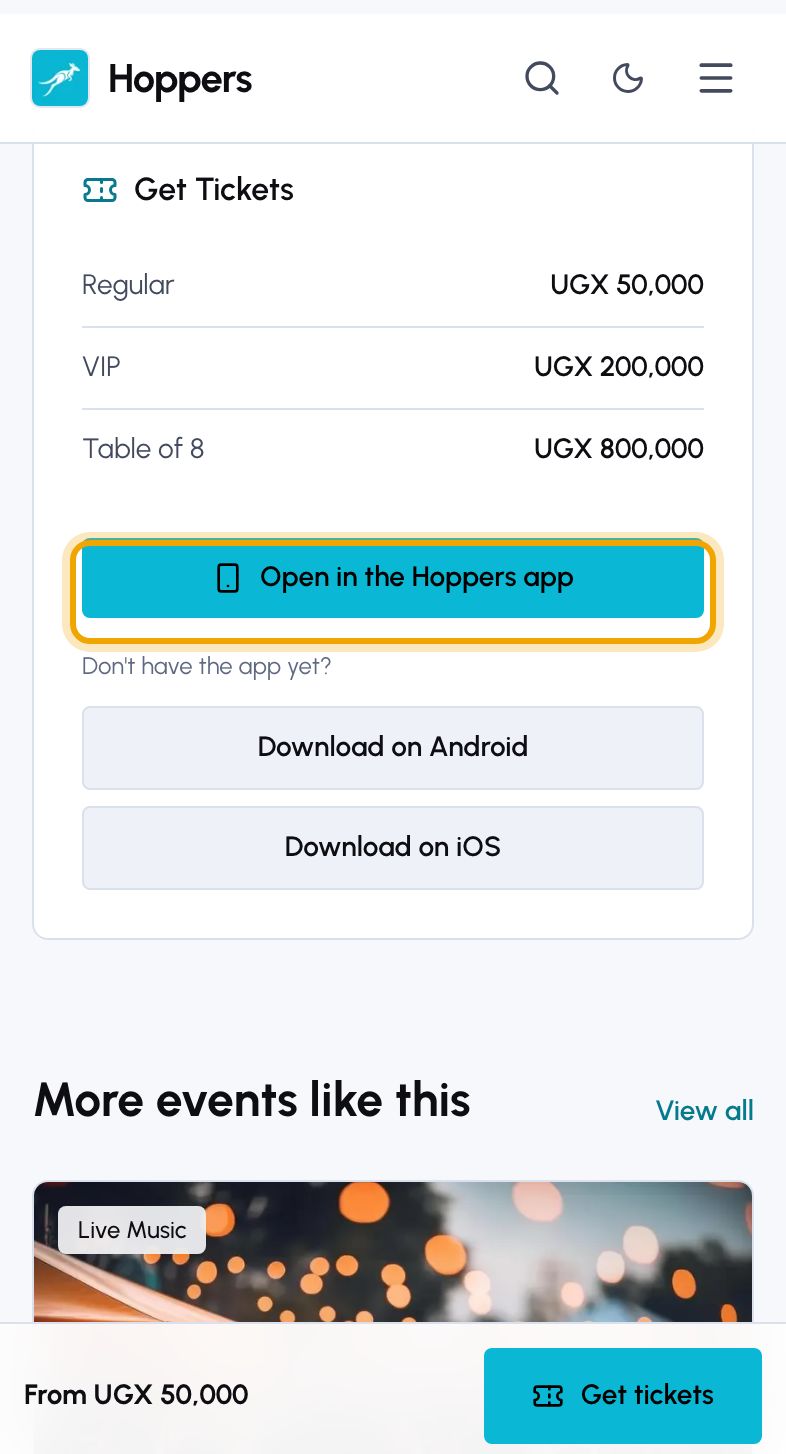
Open the event on hoppers.ug. The “Get Tickets” panel lists every ticket type with its price, and says when one is sold out or not on sale yet. On a phone, tap “Get tickets” at the bottom of the screen to jump to it.
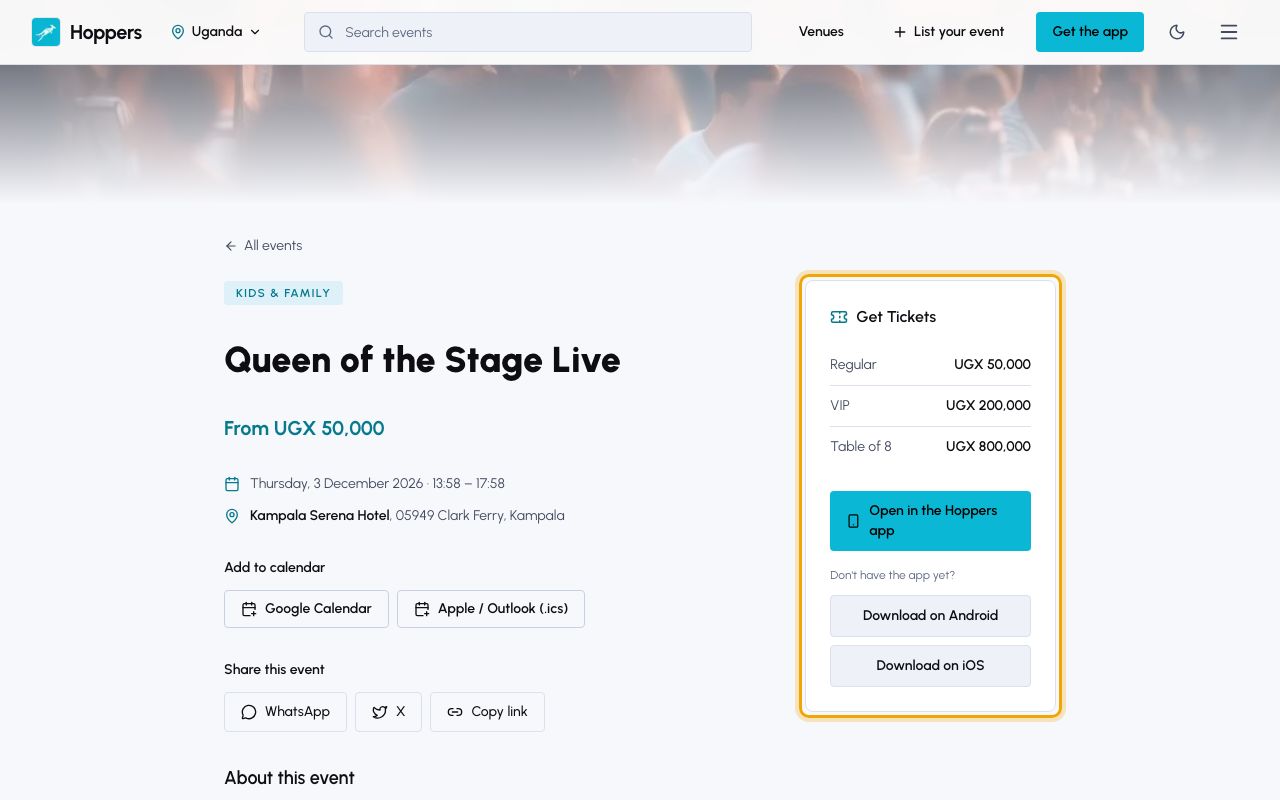
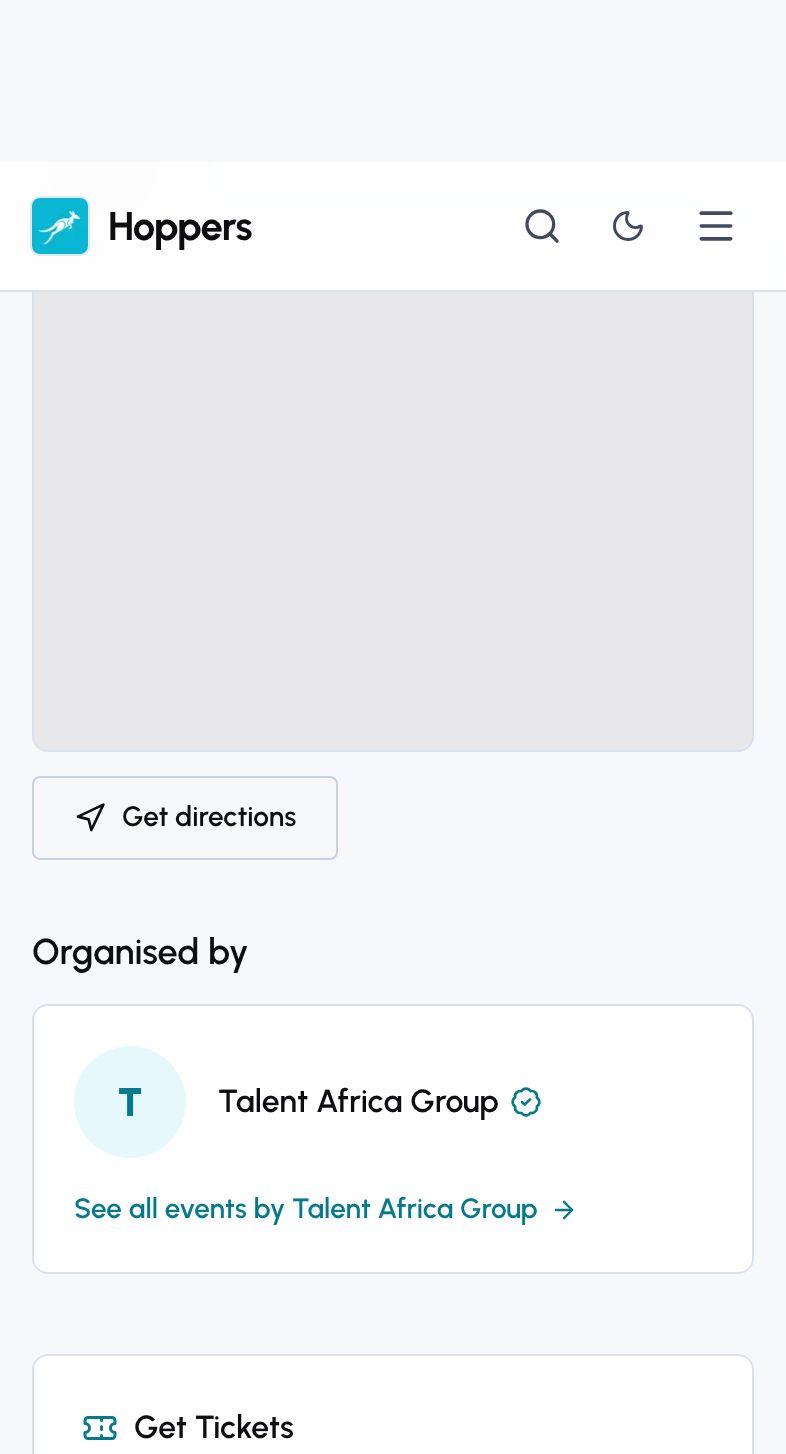
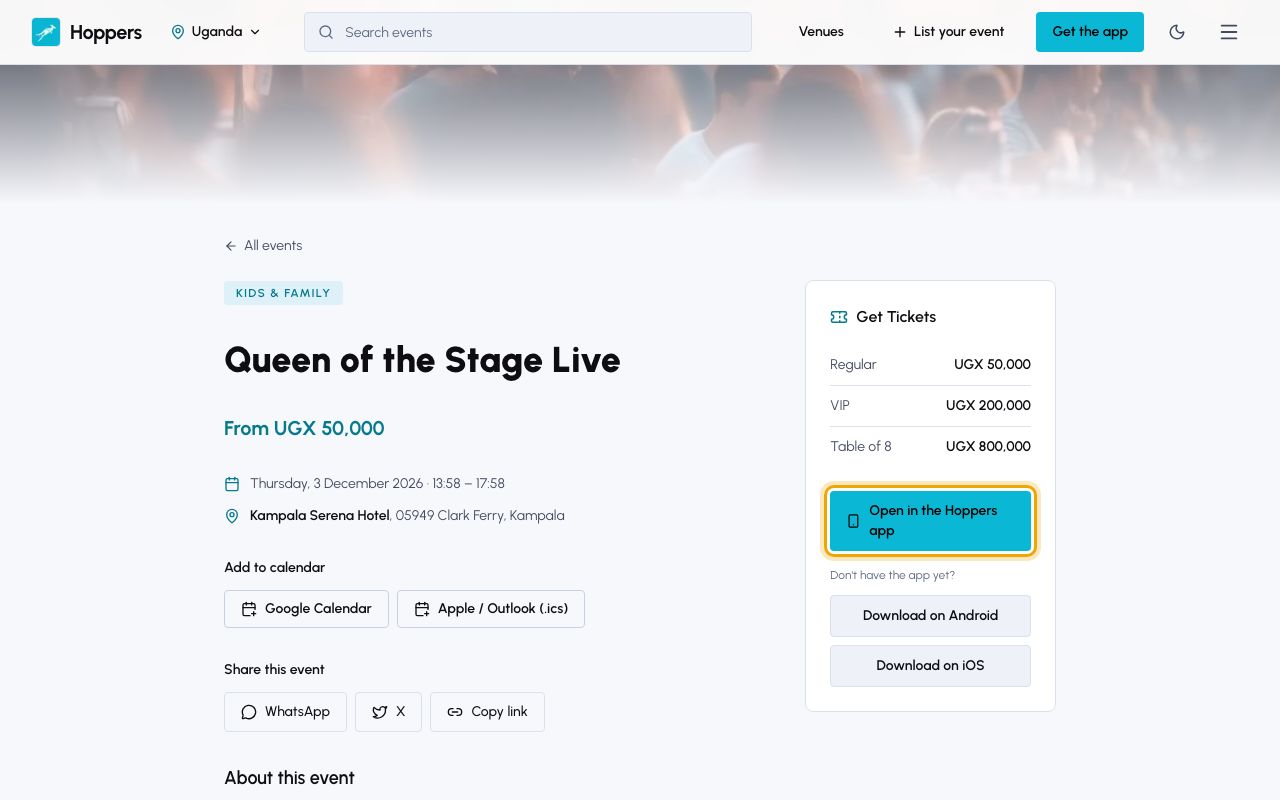
Select “Open in the Hoppers app”. If the app is on your phone, the event opens in it. If not, you are taken to the store to download it. You can also find the event in the app’s “Explore” tab.
On the event screen in the app, tap “Book Now” at the bottom. It is greyed out when no tickets are on sale, or when the organizer sells tickets outside Hoppers.
On “Select Tickets”, use the plus and minus buttons to choose how many of each ticket type you want. A group ticket admits several people, which its card says. Tap “Continue to Payment”.
The payment screen shows your tickets, the “Booking Fee” and the “Total Amount” you pay. The booking fee is a small fixed charge for each person your tickets admit, added on top of the ticket price.
Under “Choose Payment Method”, tap “Mobile Money” (MTN MoMo, Airtel Money). Pick your network under “Select Provider”, enter your number under “Phone Number”, for example 0771 234 567, and tap “Complete Payment”.
To pay by card, tap “Credit / Debit Card” (Visa, Mastercard) instead. You are taken to a secure page to enter your card details.
A payment prompt from MTN or Airtel pops up on the phone with that number. Enter your mobile money PIN to approve it. The app shows “Follow prompt on your phone to complete transaction.” while it waits, and “Payment Successful!” once the money is through.
If the payment fails, the app says why, for example that the payment is over your mobile money limit, and lets you tap “Try Again” or “Use a different payment method”.
“Booking Successful” confirms it, and we email you a receipt with your tickets. Tap “Go to Bookings” to see them.
Tickets are non-refundable unless the organizer refunds you or cancels the event. The booking fee is never refunded. See the guide on getting a refund.
