Hoppers
VenuesList your eventGet the app
Hoppers

Discover, plan and experience the best events across Uganda.

Get it onGoogle Play
Download on theApp Store

Discover

  • Browse events
  • This weekend
  • Free events
  • Places to go out
  • Categories

For organizers

  • Sell tickets
  • Pricing
  • Create account
  • Sign in

For venues

  • List your venue
  • Create account
  • Sign in

Company

  • About
  • Contact
  • FAQ
  • Help
  • Privacy
  • Terms

Cities

  • Arua
  • Entebbe
  • Fort Portal
  • Gulu
  • Hoima
  • Jinja
  • Kampala
  • Lira
  • Masaka
  • Mbale
  • Mbarara
  • MTN MoMo
  • Airtel Money
  • Visa
  • Mastercard
  • Instagram
  • TikTok
  • Snapchat

© 2026 Hoppers Ltd. All rights reserved.

  1. 1Get started

    • Get the Hoppers app
  2. 2Find something to do

    • Find events
    • Explore venues
  3. 3Book

    • Buy tickets
    • Reserve a table
  4. 4On the day

    • Use your ticket
  5. 5If plans change

    • Get a refund

Help and guides / Event-goers

Explore venues

Find places to go out near you, see whether they are open and what is on, and open a venue to learn more.

  1. 1

    Open Places to go out

    On hoppers.ug, open the menu and select “Places to go out”. Every venue listed has been approved by Hoppers.
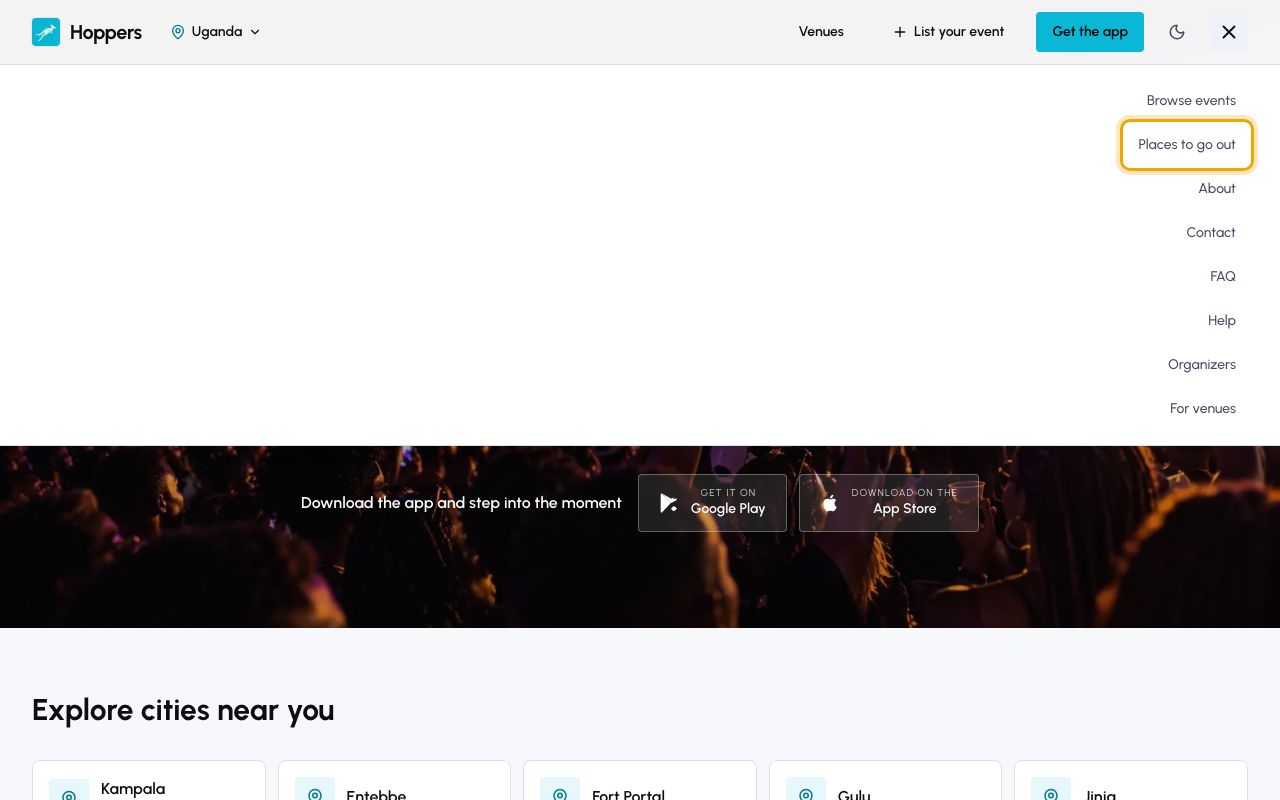
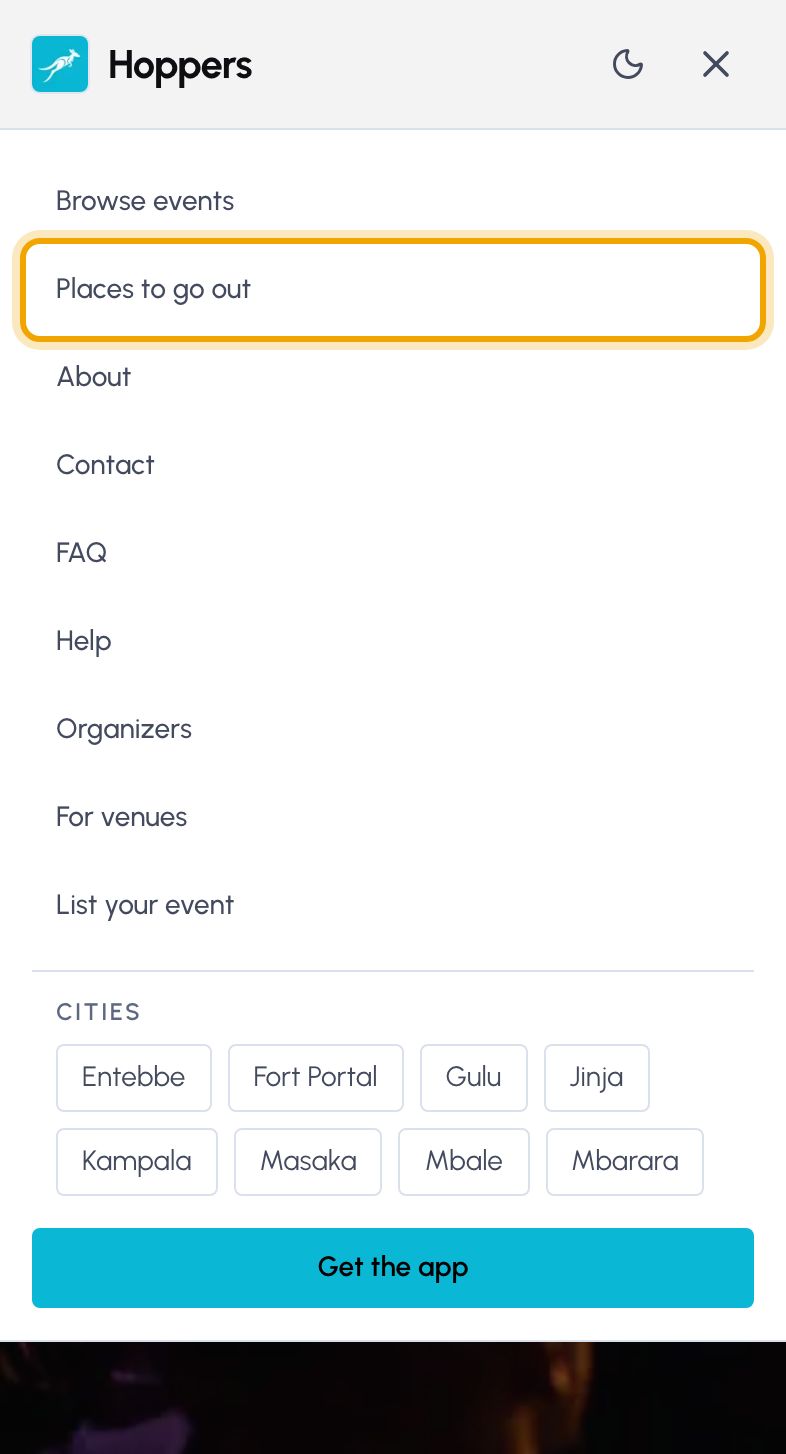
    Open Places to go out: Hoppers website on a computer
    Open Places to go out: Hoppers website on a phone
  2. 2

    Choose a city or a type of place

    Select a city, such as Kampala, to see only the venues there, or “All of Uganda” for every one. The row below filters by type of venue. Select “All types” to clear it.
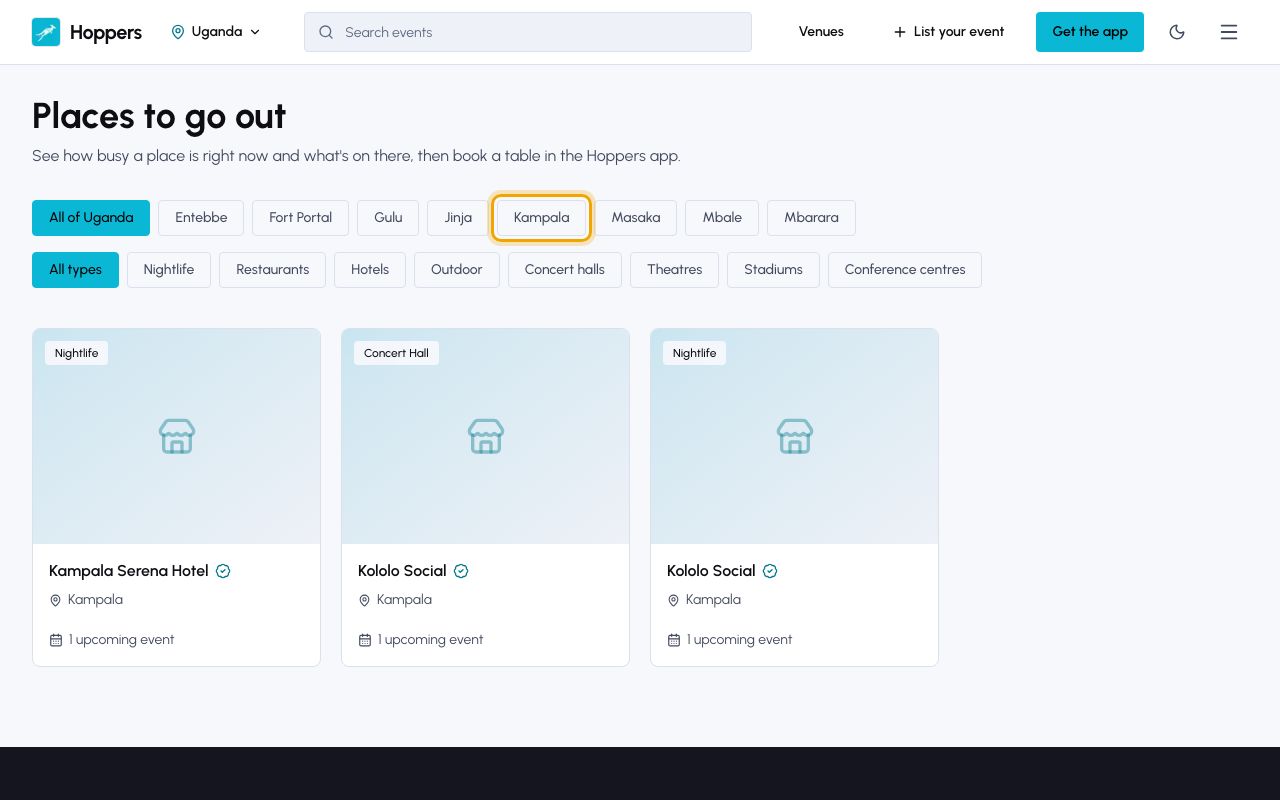
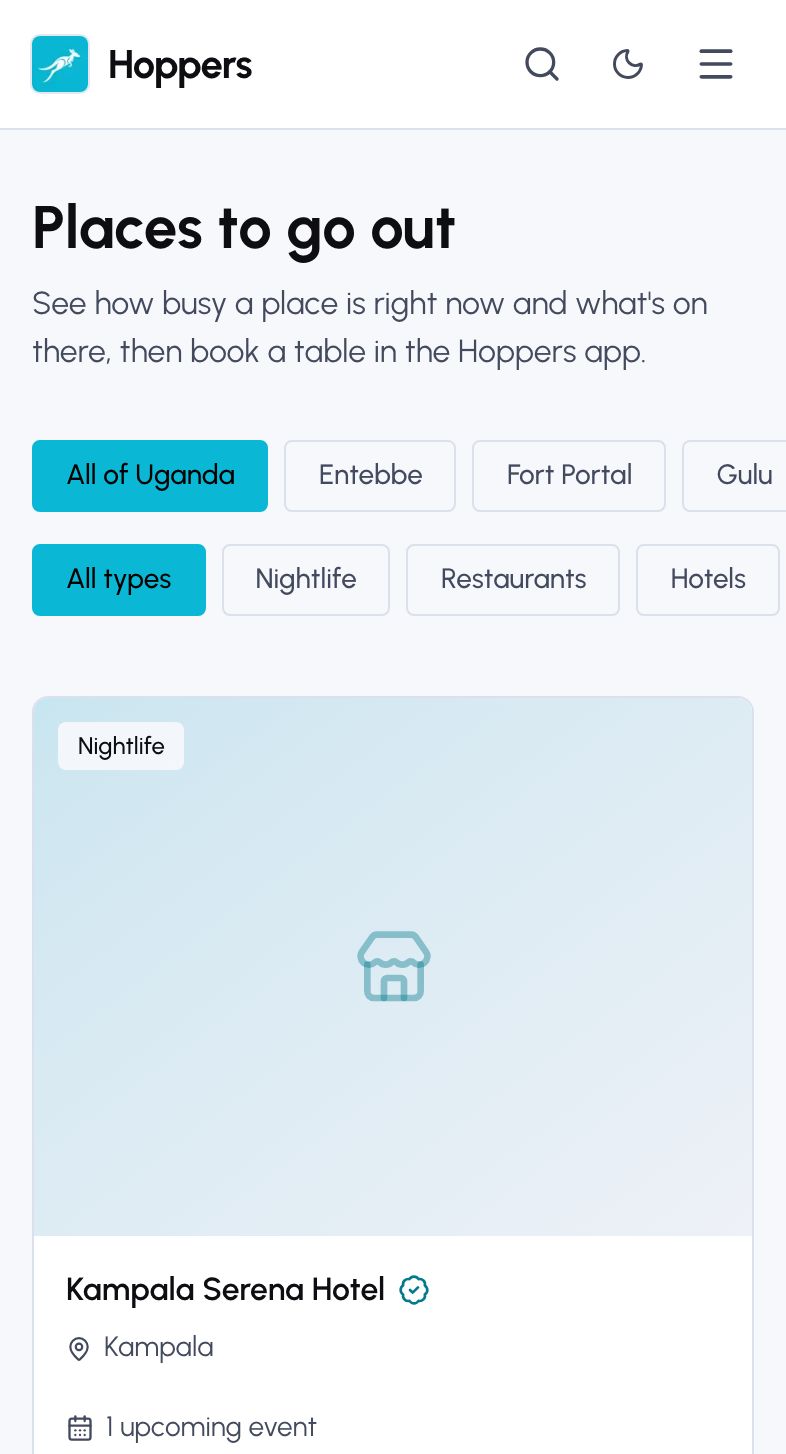
    Choose a city or a type of place: Hoppers website on a computer
    Choose a city or a type of place: Hoppers website on a phone
  3. 3

    Open a venue

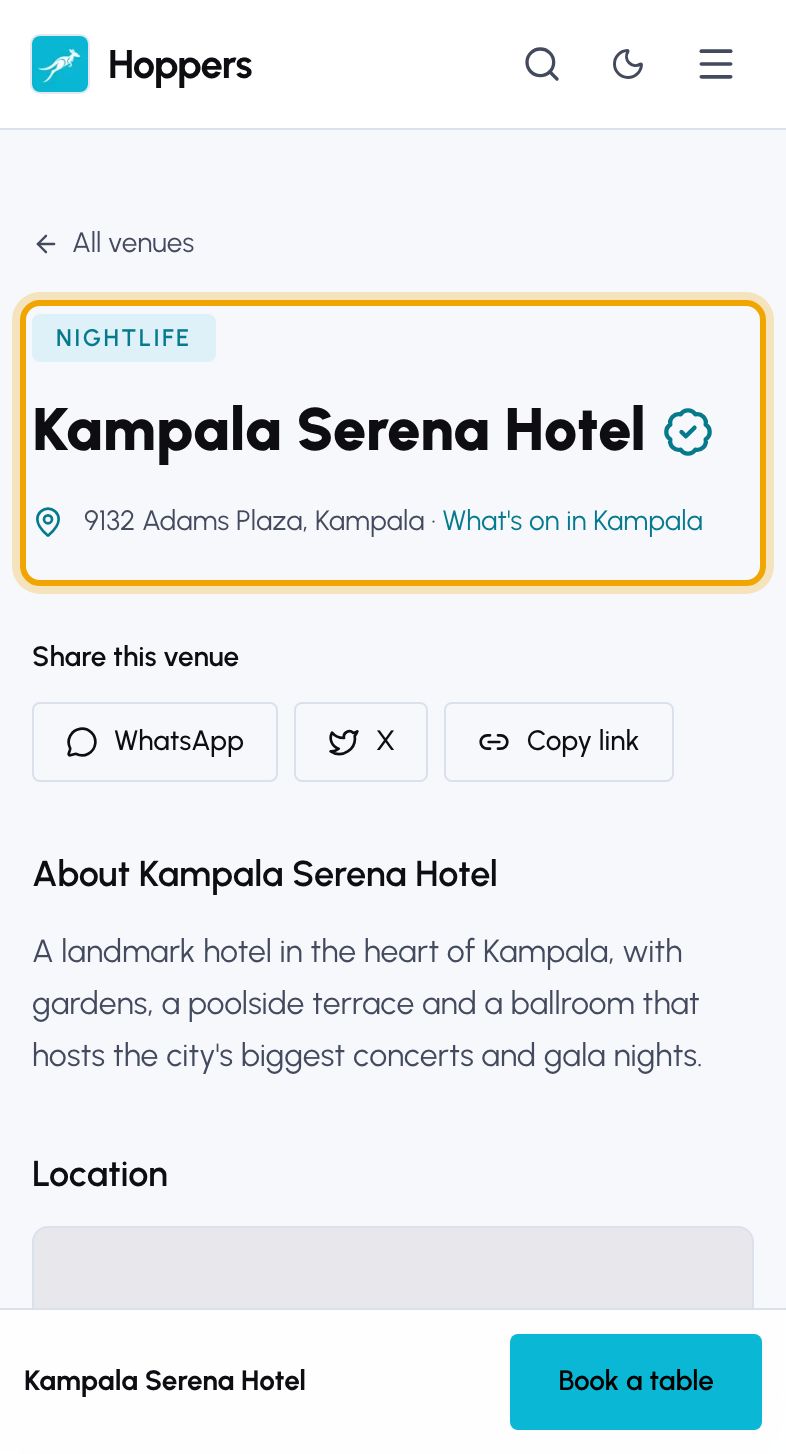
    Select a venue to open its page. Under its name you see the address and, when the venue shares them, whether it is “Open now” and its rating. A verified venue has a tick next to its name.

    When a venue shares live crowd levels, a badge also shows how busy it is right now.
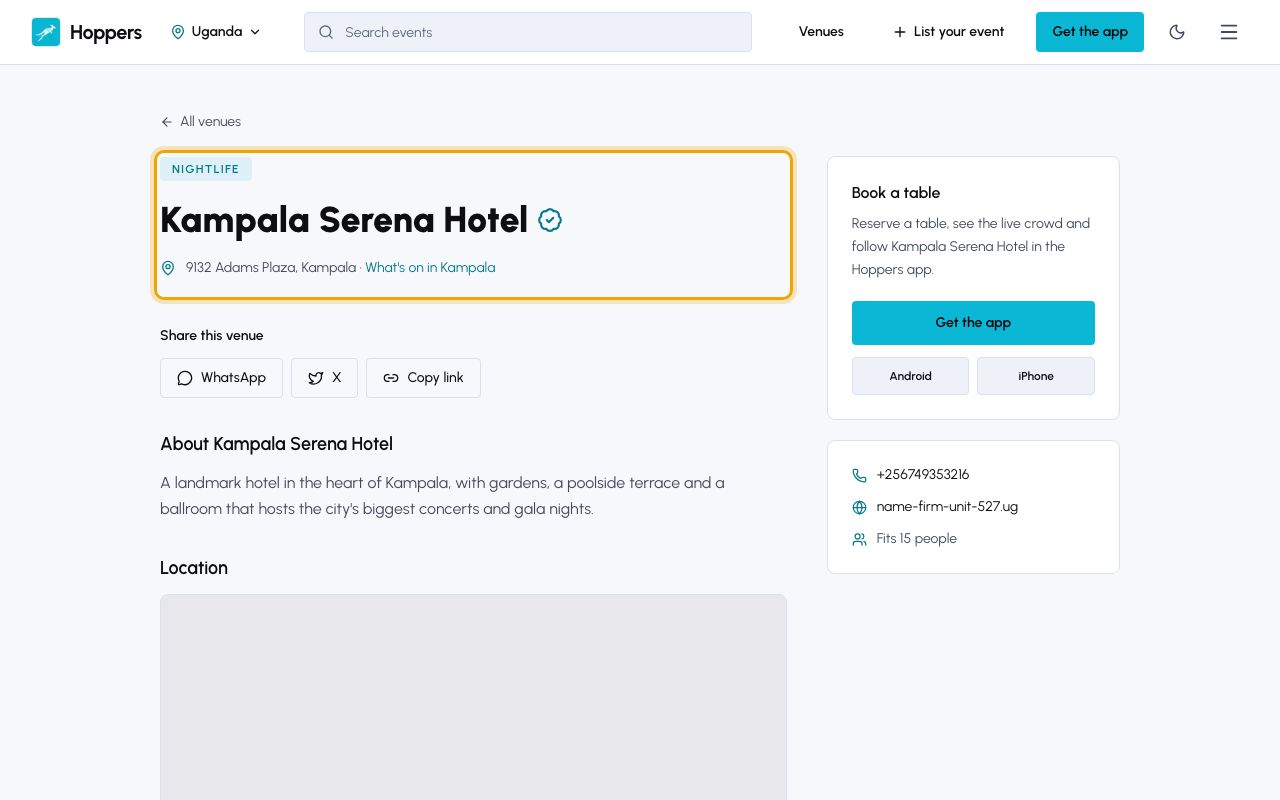
    Open a venue: Hoppers website on a computer
    Open a venue: Hoppers website on a phone
  4. 4

    Read the details

    Scroll down for the venue’s description, photos and a map with directions. The side panel lists its opening hours and contact details, and “Share this venue” sends it to friends.
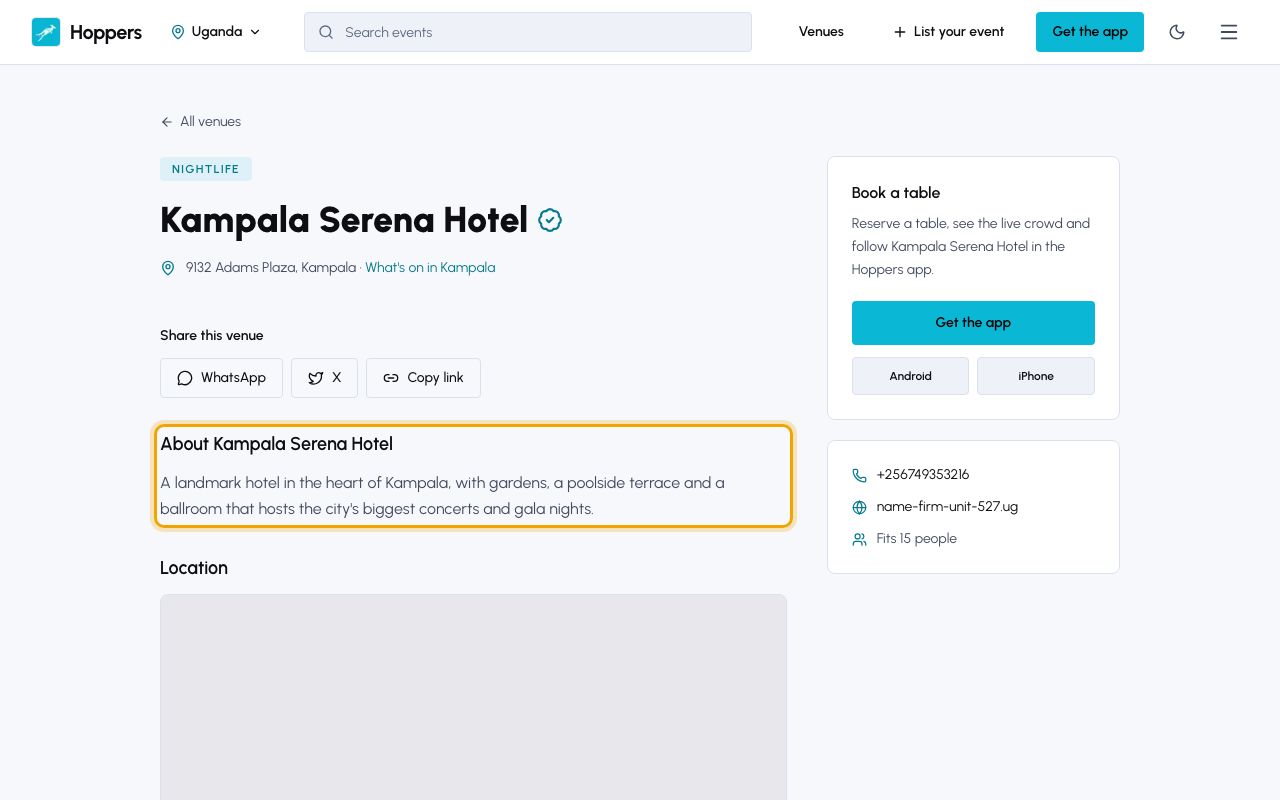
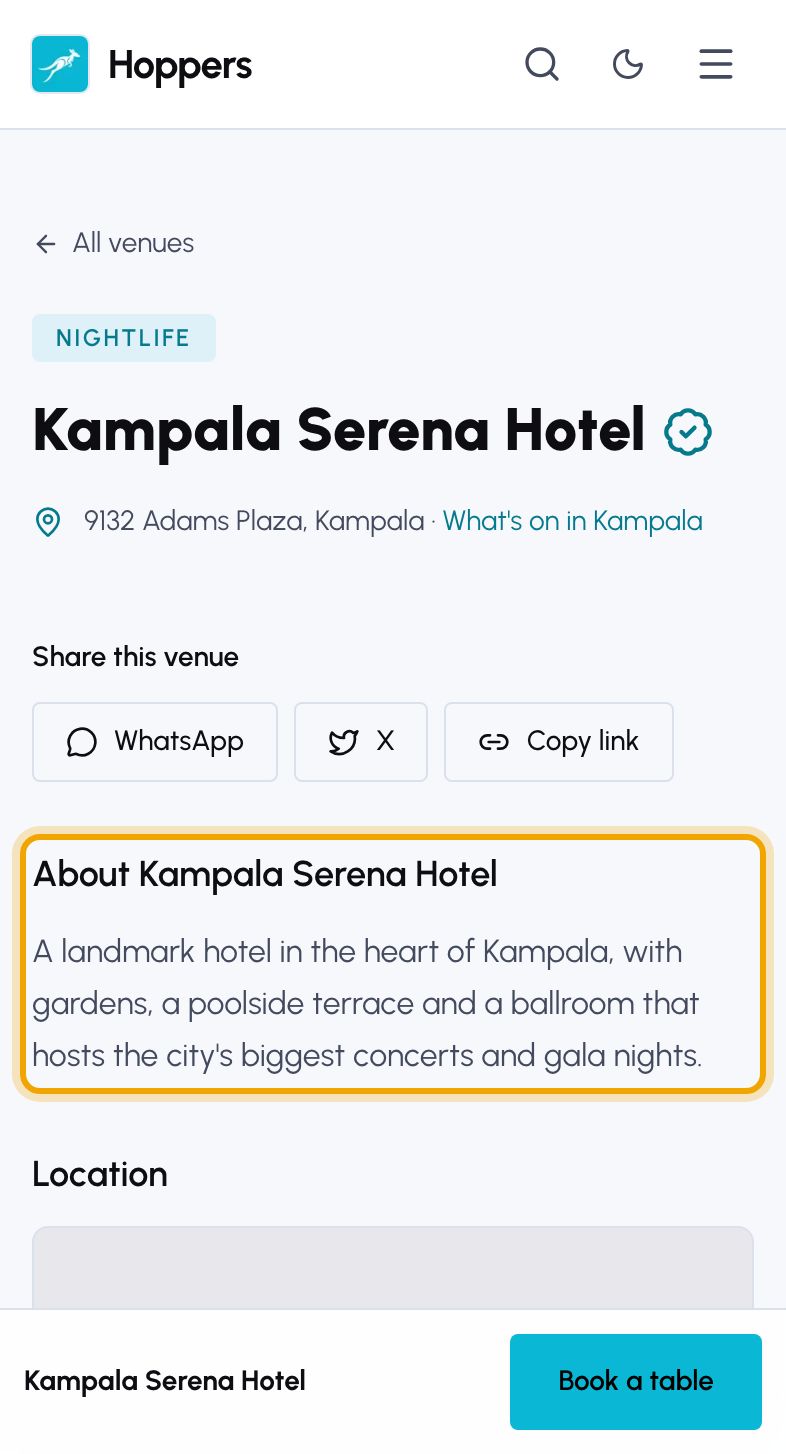
    Read the details: Hoppers website on a computer
    Read the details: Hoppers website on a phone
  5. 5

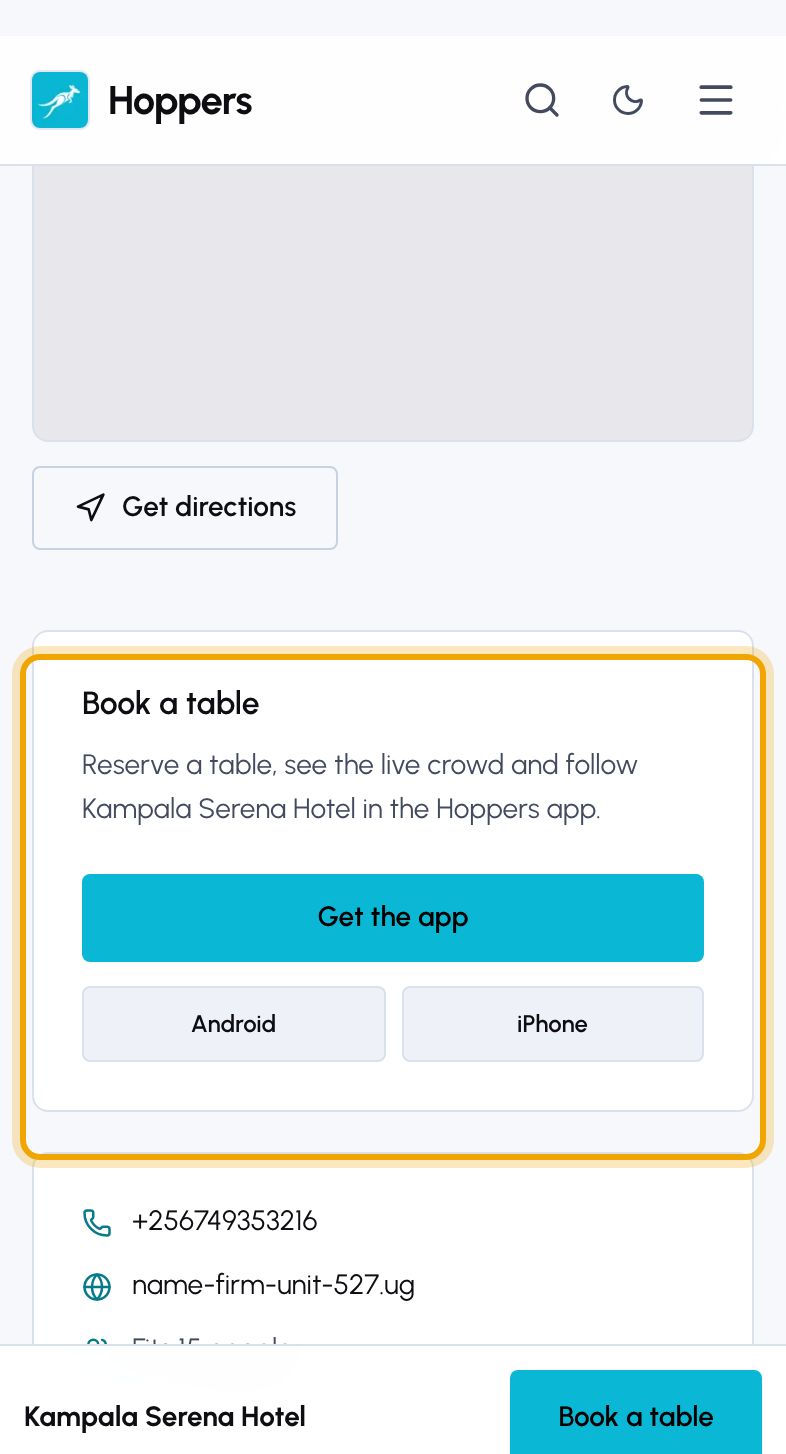
    Book a table in the app

    Tables are reserved in the Hoppers app. In the “Book a table” panel, select “Get the app”, then follow the guide on reserving a table.
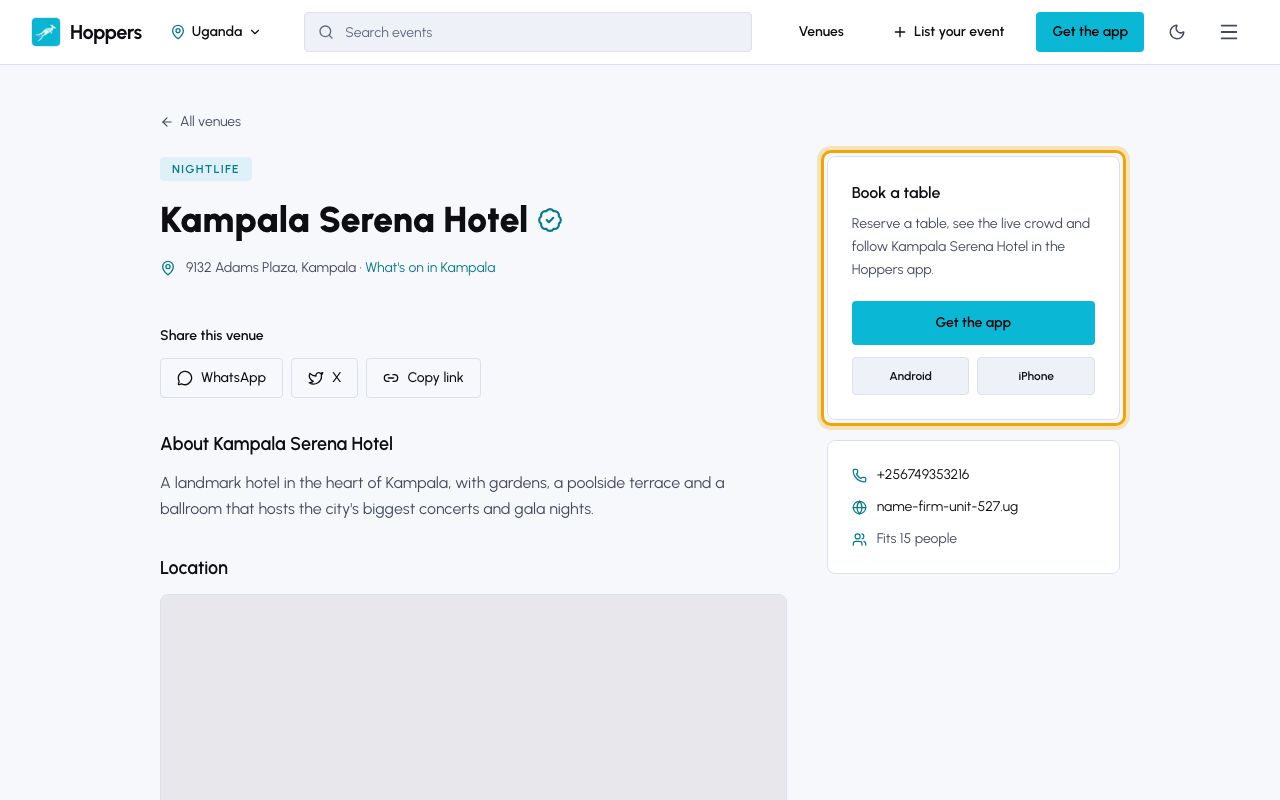
    Book a table in the app: Hoppers website on a computer
    Book a table in the app: Hoppers website on a phone
PreviousFind eventsNext Buy tickets