Hoppers
VenuesList your eventGet the app
Hoppers

Discover, plan and experience the best events across Uganda.

Get it onGoogle Play
Download on theApp Store

Discover

  • Browse events
  • This weekend
  • Free events
  • Places to go out
  • Categories

For organizers

  • Sell tickets
  • Pricing
  • Create account
  • Sign in

For venues

  • List your venue
  • Create account
  • Sign in

Company

  • About
  • Contact
  • FAQ
  • Help
  • Privacy
  • Terms

Cities

  • Arua
  • Entebbe
  • Fort Portal
  • Gulu
  • Hoima
  • Jinja
  • Kampala
  • Lira
  • Masaka
  • Mbale
  • Mbarara
  • MTN MoMo
  • Airtel Money
  • Visa
  • Mastercard
  • Instagram
  • TikTok
  • Snapchat

© 2026 Hoppers Ltd. All rights reserved.

  1. 1Get started

    • Get the Hoppers app
  2. 2Find something to do

    • Find events
    • Explore venues
  3. 3Book

    • Buy tickets
    • Reserve a table
  4. 4On the day

    • Use your ticket
  5. 5If plans change

    • Get a refund

Help and guides / Event-goers

Get the Hoppers app

Download the app, create your free account and confirm your email, so you can buy tickets and reserve tables.

  1. 1

    Download the app

    Tickets and table reservations live in the Hoppers app. On hoppers.ug, scroll to “Discover events anywhere, anytime” and select “Download on Google Play” or “Download on the App Store”. On a computer, scan the QR code with your phone instead and it opens the right store.

    The app is free. You can browse events and venues on the website without an account.
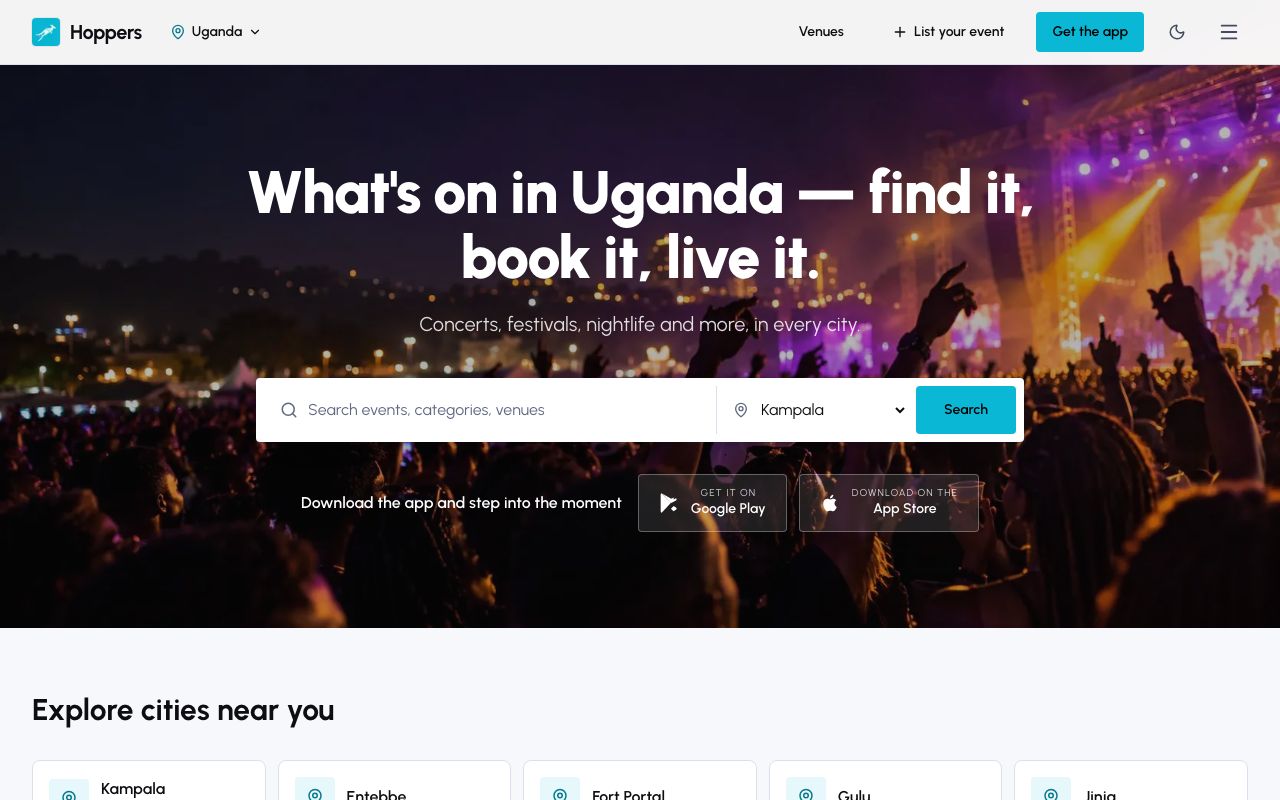
    Download the app: Hoppers website on a computer
    Download the app: Hoppers website on a phone
  2. 2

    Create your account

    In the Hoppers app

    Open the app and tap “Register”. Enter your “First Name”, “Last Name” and “Email Address”, then choose a password under “Enter Password” and type it again under “Confirm Password”. Tick the box to agree to the Terms of Service and Privacy Policy, then tap “Create Account”.

    Under “Or register with” you can sign up with Google or Apple instead, with no password to remember.

  3. 3

    Enter the code we email you

    In the Hoppers app

    We email you a 6-digit code. On the “Verification Code” screen, type it in and tap “Verify Code”. No email? Check your spam folder. When the timer runs out you can tap “Resend” for a new code.

  4. 4

    Pick what you like

    In the Hoppers app

    On “Choose favorite categories”, tap the kinds of events you enjoy, such as concerts or comedy, then tap “Finish”. Hoppers uses them to suggest events. You can change them later in your profile.

Already have an account?

Tap “Log in” on the first screen and use the email and password you signed up with, or the same Google or Apple account.

Next Find events