Hoppers
VenuesList your eventGet the app
Hoppers

Discover, plan and experience the best events across Uganda.

Get it onGoogle Play
Download on theApp Store

Discover

  • Browse events
  • This weekend
  • Free events
  • Places to go out
  • Categories

For organizers

  • Sell tickets
  • Pricing
  • Create account
  • Sign in

For venues

  • List your venue
  • Create account
  • Sign in

Company

  • About
  • Contact
  • FAQ
  • Help
  • Privacy
  • Terms

Cities

  • Arua
  • Entebbe
  • Fort Portal
  • Gulu
  • Hoima
  • Jinja
  • Kampala
  • Lira
  • Masaka
  • Mbale
  • Mbarara
  • MTN MoMo
  • Airtel Money
  • Visa
  • Mastercard
  • Instagram
  • TikTok
  • Snapchat

© 2026 Hoppers Ltd. All rights reserved.

  1. 1Get started

    • Get the Hoppers app
  2. 2Find something to do

    • Find events
    • Explore venues
  3. 3Book

    • Buy tickets
    • Reserve a table
  4. 4On the day

    • Use your ticket
  5. 5If plans change

    • Get a refund

Help and guides / Event-goers

Find events

Search what is on across Uganda, narrow it down by city, category and date, and open an event to see the details.

  1. 1

    Open Events

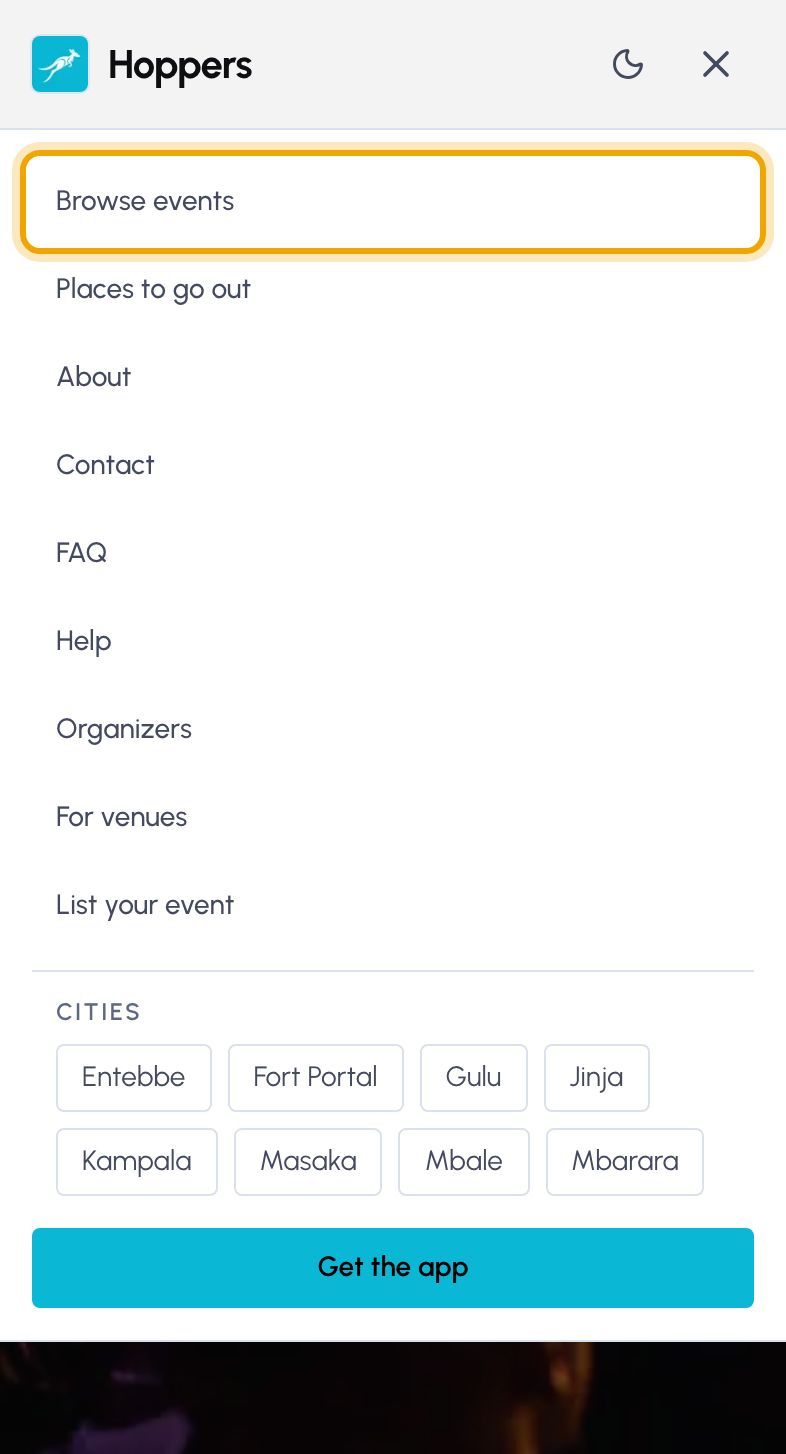
    On hoppers.ug, open the menu and select “Browse events”. The page lists upcoming events, soonest first, and says how many it found.

    In the Hoppers app, the “Explore” tab at the bottom shows the same events.
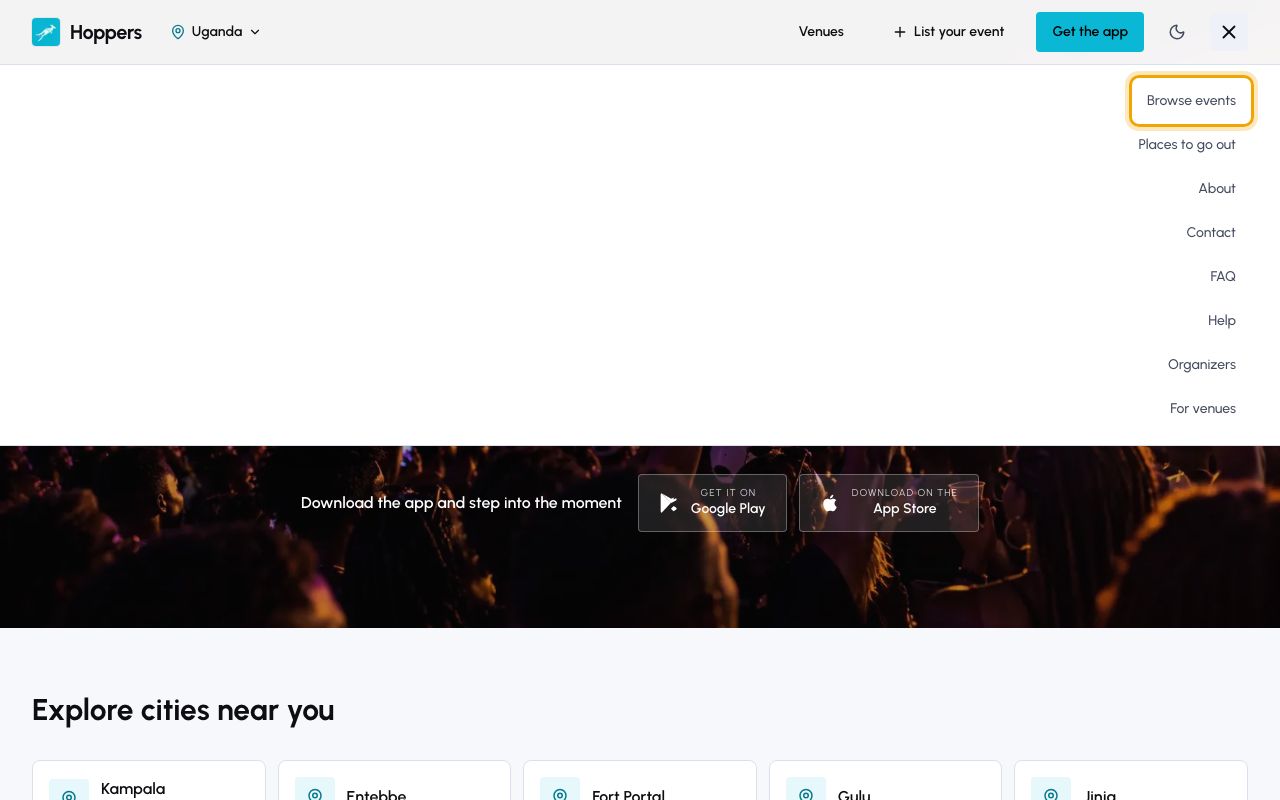
    Open Events: Hoppers website on a computer
    Open Events: Hoppers website on a phone
  2. 2

    Search for something

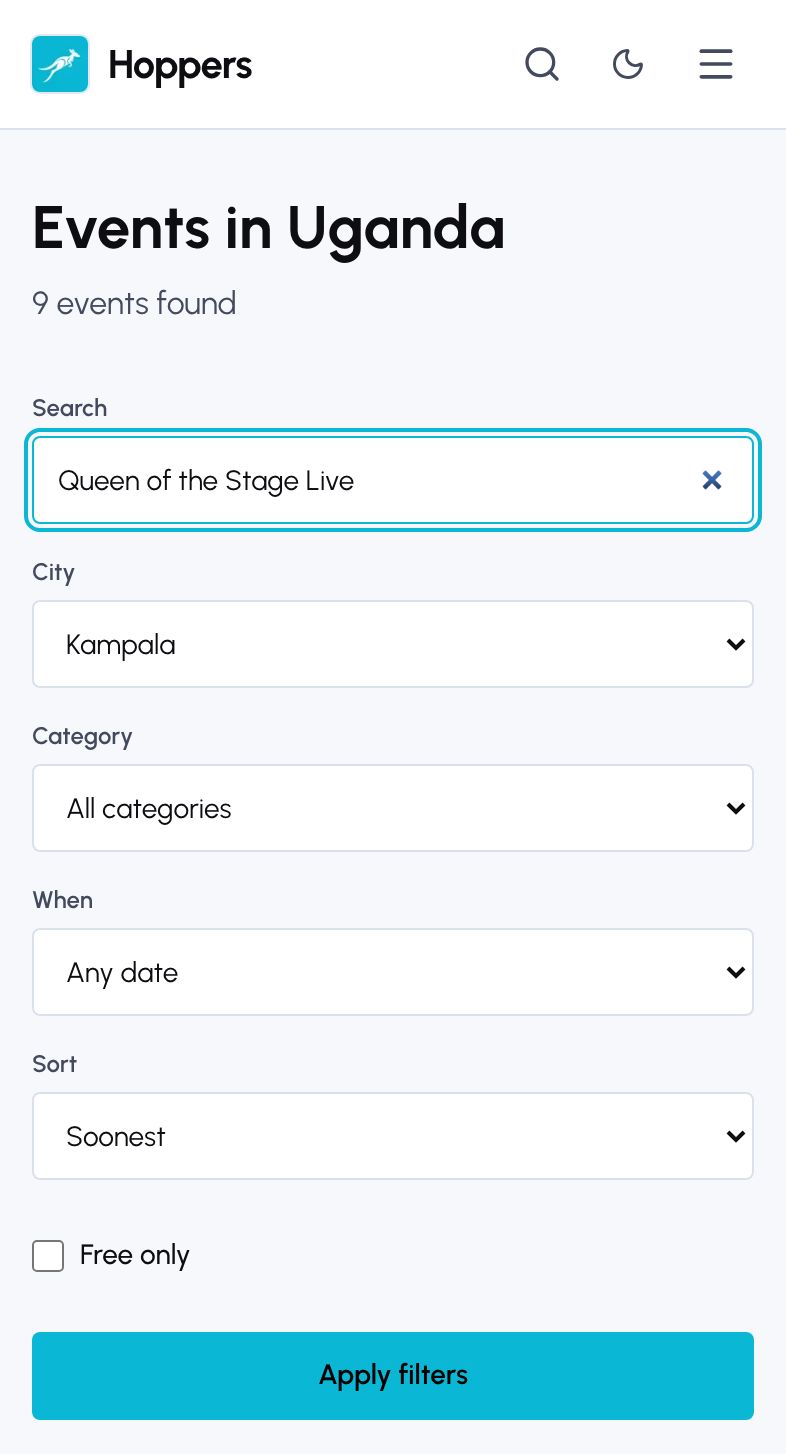
    Type an artist, event, category or venue into “Search”, then select “Apply filters”. Only matching events stay in the list.
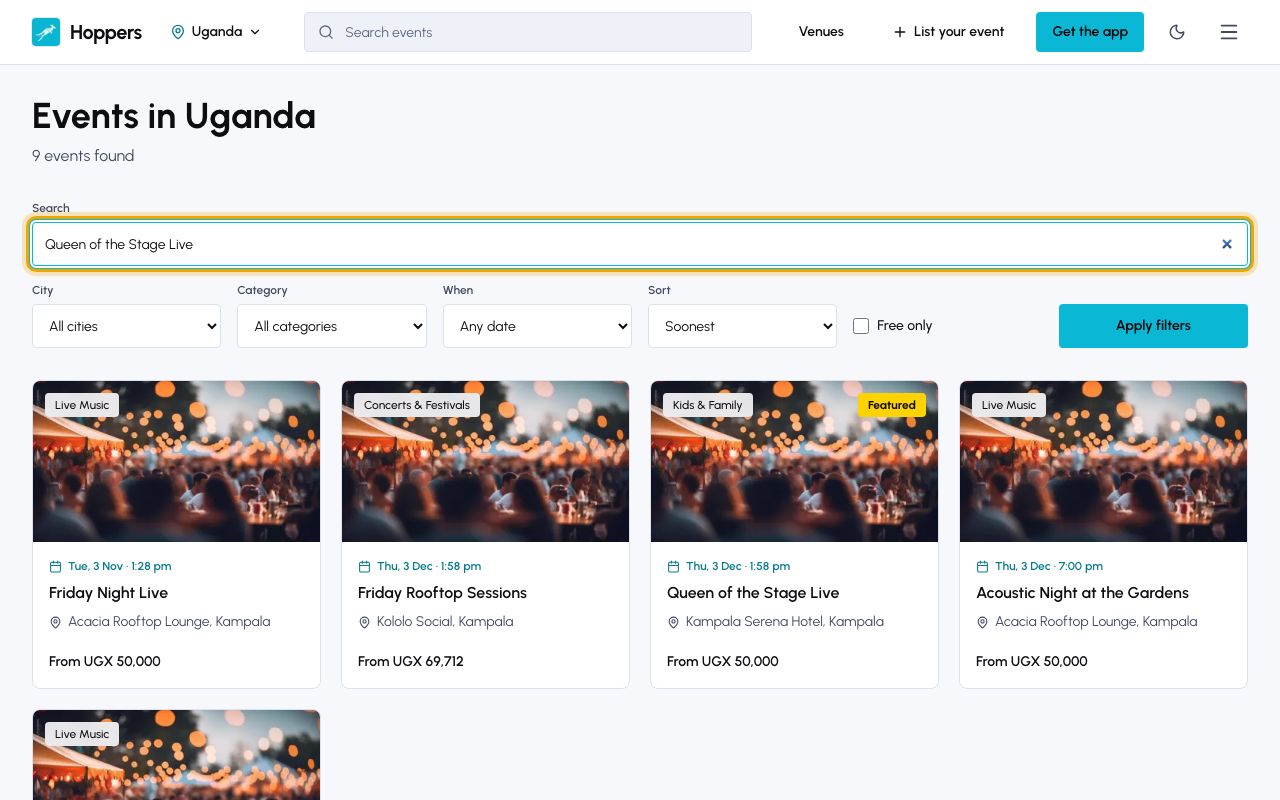
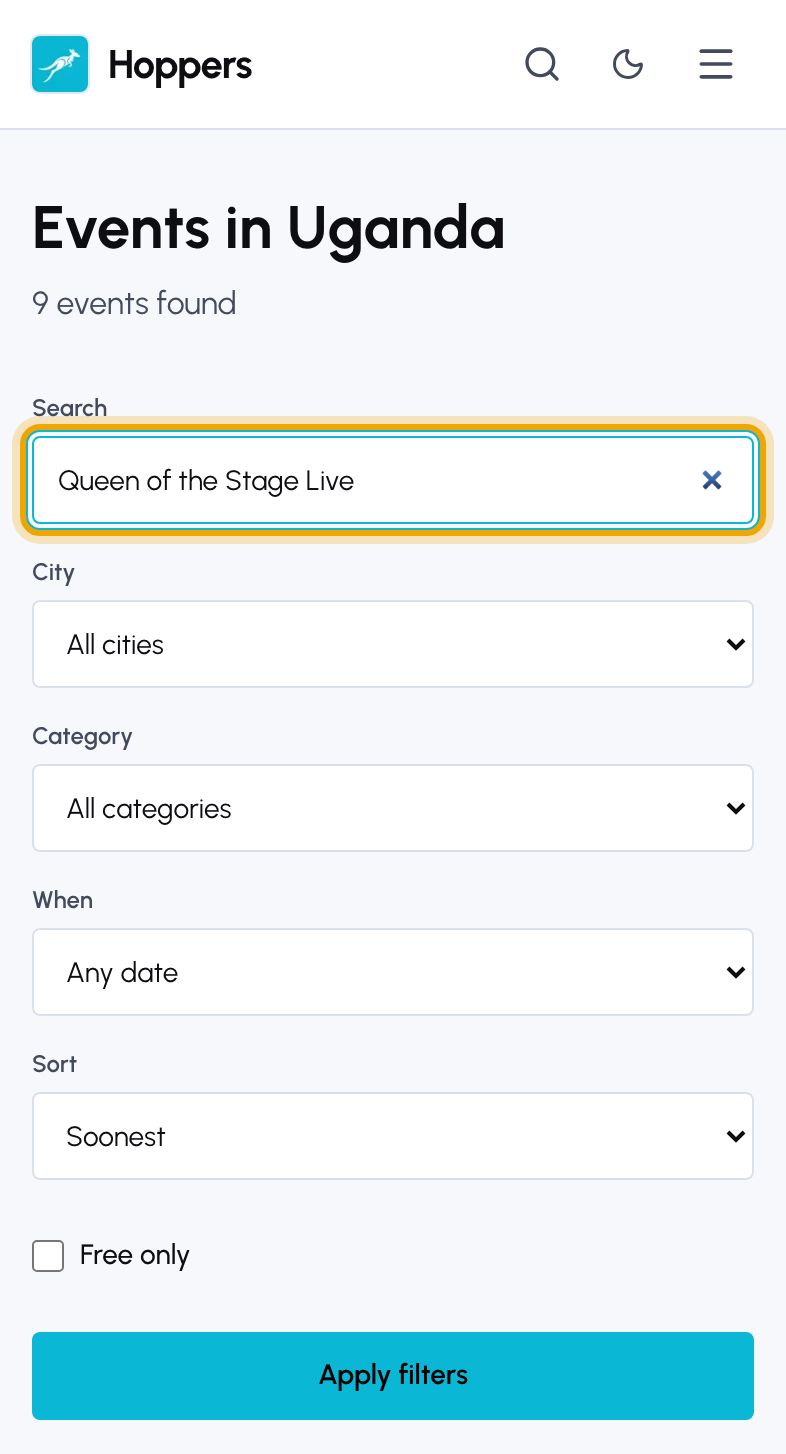
    Search for something: Hoppers website on a computer
    Search for something: Hoppers website on a phone
  3. 3

    Narrow it down

    Use “City”, “Category” and “When” to choose where, what and when, for example Kampala, concerts, “This weekend”. “Sort” puts the list in order of “Soonest”, “Popular” or “Price: low to high”. Tick “Free only” for free events. Then select “Apply filters”.

    Each filter you apply shows above the list. Remove one to widen the search again.
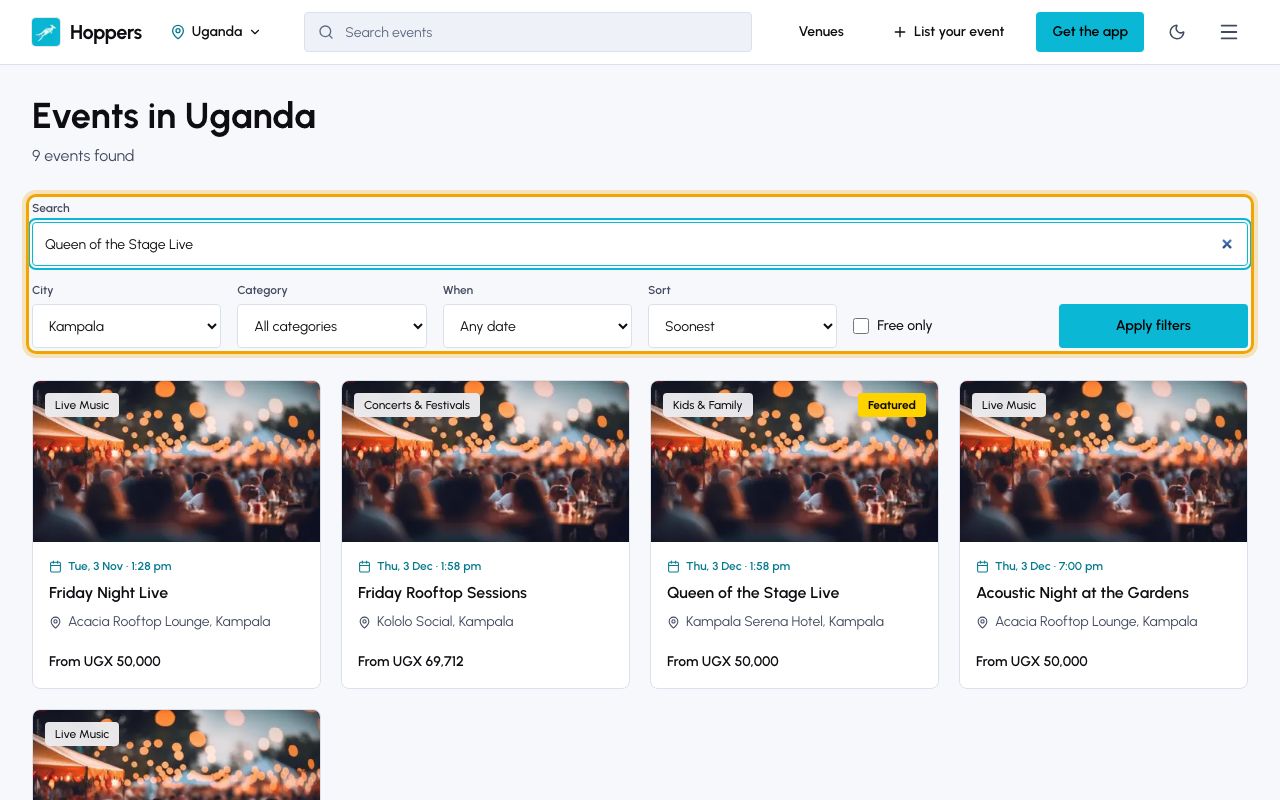
    Narrow it down: Hoppers website on a computer
    Narrow it down: Hoppers website on a phone
  4. 4

    Open an event

    Select an event to open its page. It shows the date and time, the venue and the starting ticket price, a description and a map of where it is.
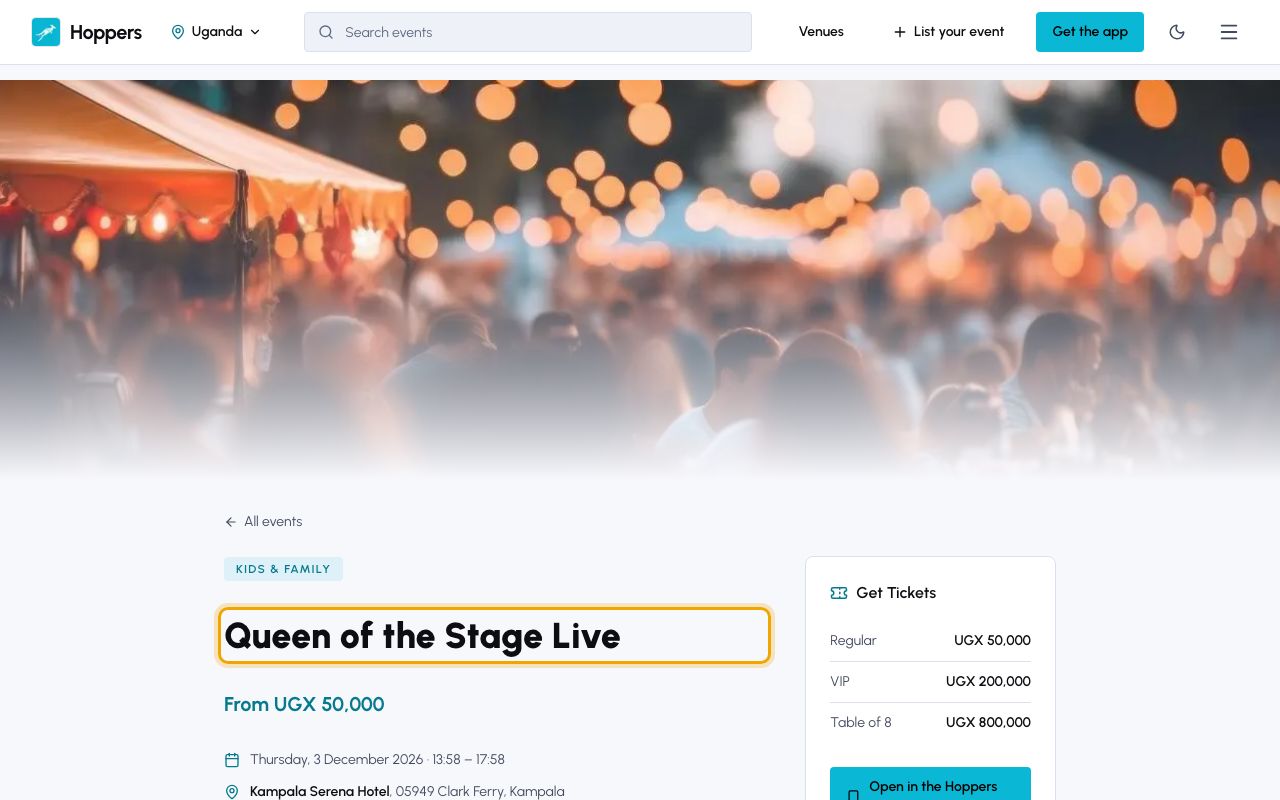

    Open an event: Hoppers website on a computer
    Open an event: Hoppers website on a phone
  5. 5

    Share it or save the date

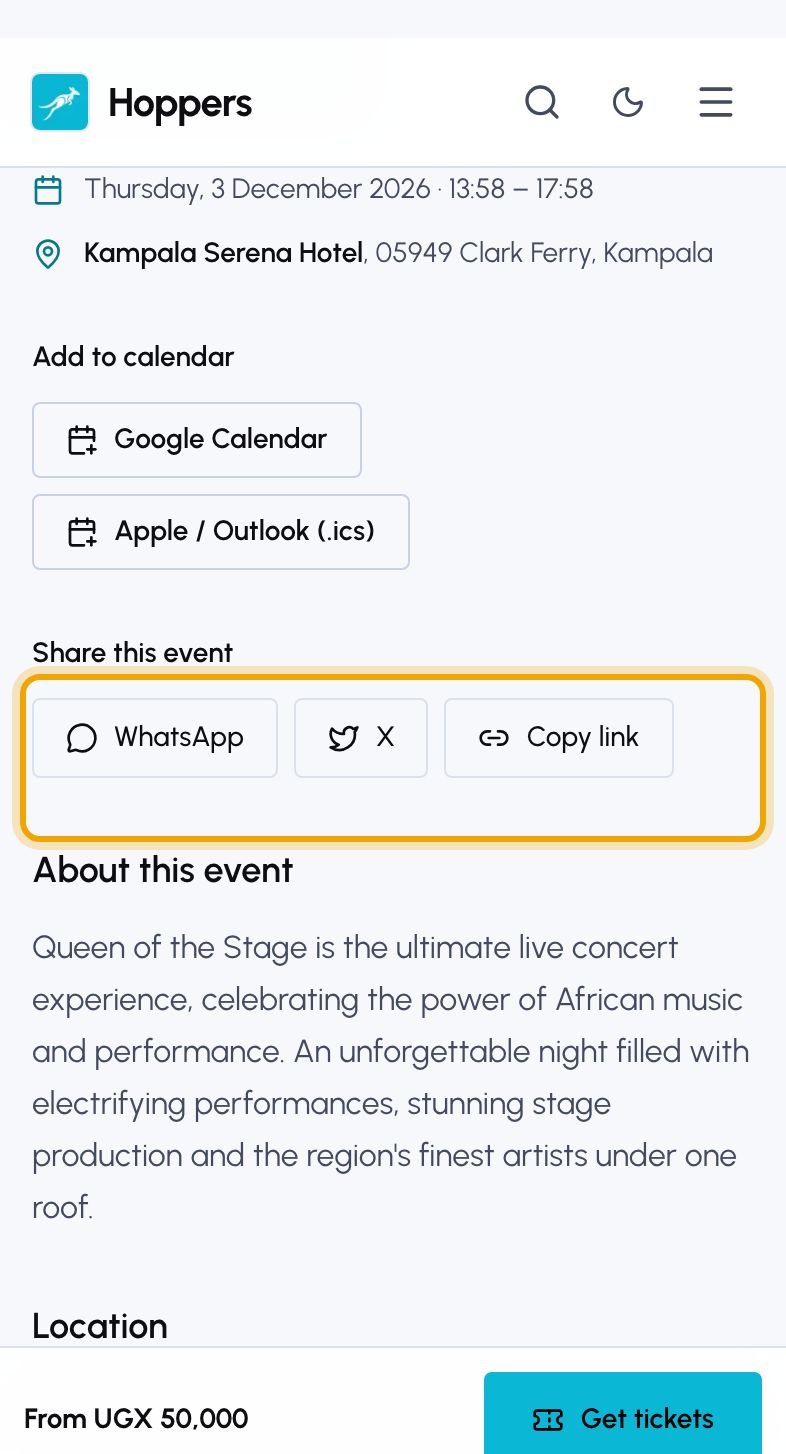
    Under “Add to calendar”, select “Google Calendar” or “Apple / Outlook (.ics)” to put the event in your calendar. Under “Share this event”, send it to friends on WhatsApp or X, or select “Copy link”.
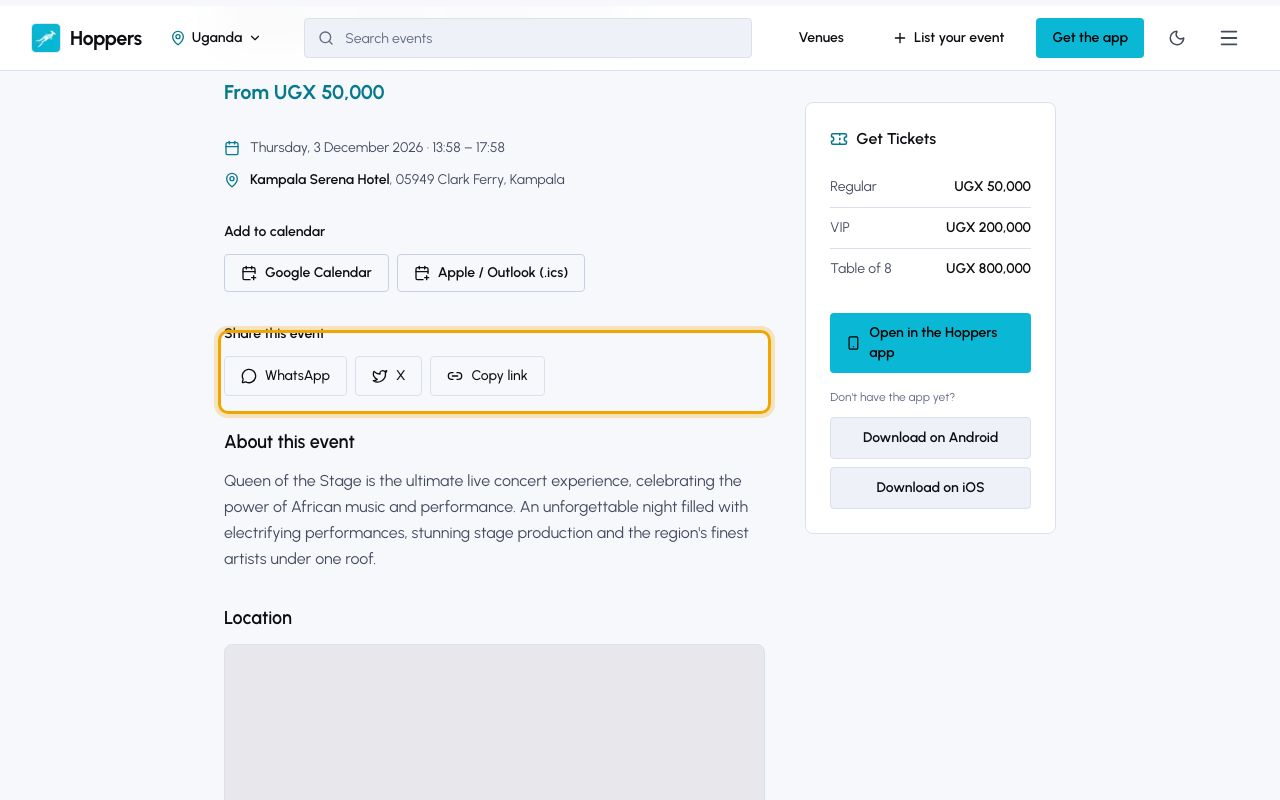
    Share it or save the date: Hoppers website on a computer
    Share it or save the date: Hoppers website on a phone
PreviousGet the Hoppers appNext Explore venues